Sharing
Navidrome has a “Sharing” feature which allows users to generate a shareable link for a track, album, artist, or playlist. This link can then be sent to friends, allowing them to listen or download the music without having an account on your Navidrome instance.
Enabling and Disabling Sharing
The Sharing feature is enabled by default. To turn it off, set EnableSharing=false in your
configuration file, or set the environment variable ND_ENABLESHARING=false.
Any user can create shares. Each user only sees and manages the shares they created (editing a share’s description and expiration date, or deleting it); administrators can see and manage all shares. A share’s content is limited to the libraries its owner can access.
Sharing is controlled by a single server-wide toggle, so there is no per-user setting for who may create shares. If you’d rather your users not create public links, disable the feature as shown above.
Default Expiration for Shares
By default, new shares (public links) expire after 1 year (“8760h”). You can set a different default expiration time for all new shares using the DefaultShareExpiration config option. This sets how long new shares will be valid, unless you manually change the expiration when creating the share.
Set it in your config file:
DefaultShareExpiration = "8760h" # Shares expire after 1 year by default
Or as an environment variable:
ND_DEFAULTSHAREEXPIRATION=8760h
Use values like "24h" or "1h30m". Valid suffixes are "h" (hours), "m" (minutes), and "s" (seconds).
Using the Sharing Feature
When browsing your music collection, you will notice a “Share” button or menu item available for each item, be it a track, album, artist, or playlist. To share an item, simply click on this “Share” button.
Upon clicking the “Share” button, a dialog box will appear, allowing you to configure your share. This includes setting a description other configurations for the share.
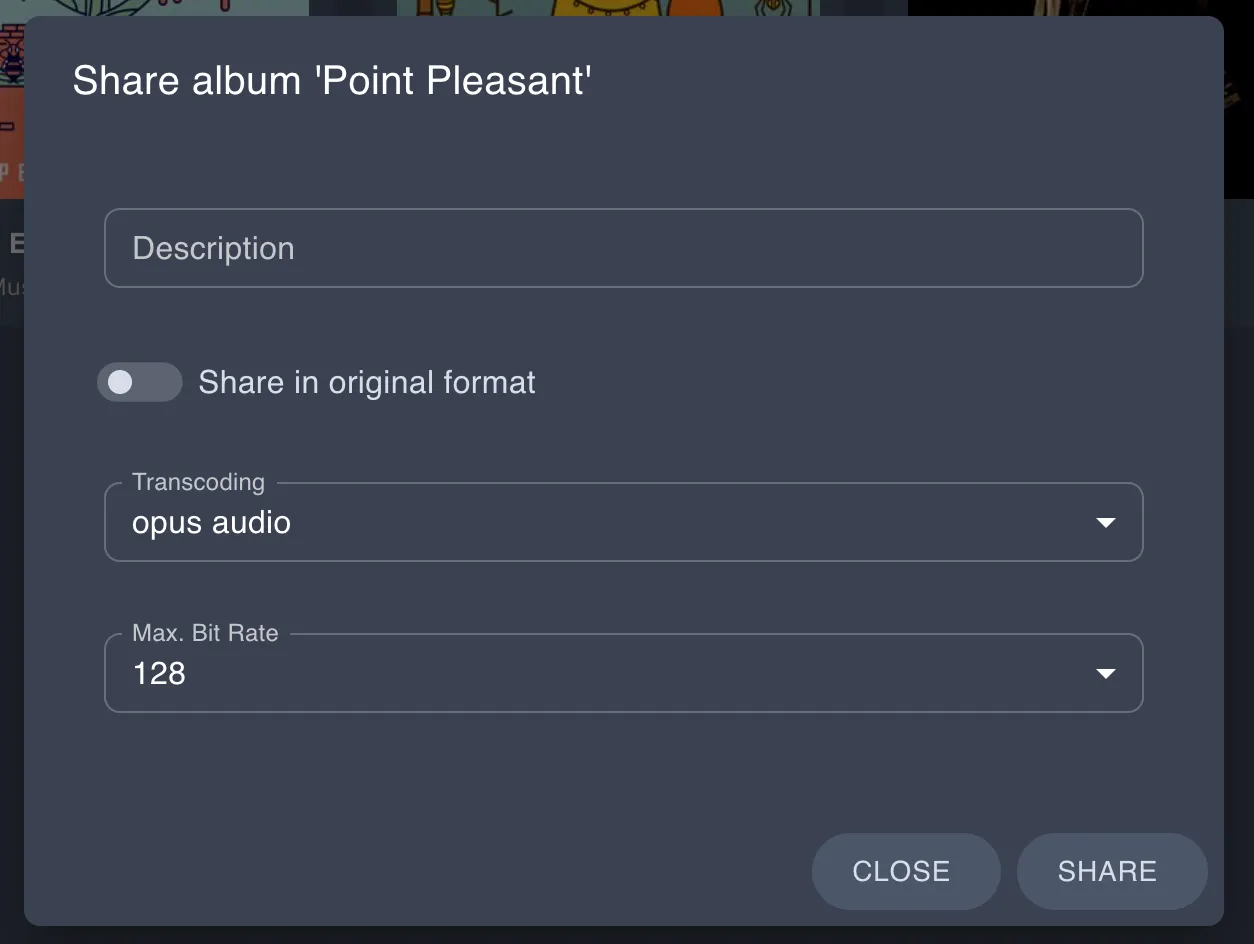
Once you have configured your share as desired, click the “Share” button. This will generate a unique shareable link, which you can then copy and share with your friends.
The generated sharable links will be in the following format: http://yourserver.com/share/XXXXXXXXXX. If you have Navidrome behind a reverse proxy, ensure you allow traffic to /share.
Subsonic API Endpoints
The Sharing feature also implements the related Subsonic API endpoints. See the API docs for implemented endpoints
Meta-tags to HTML
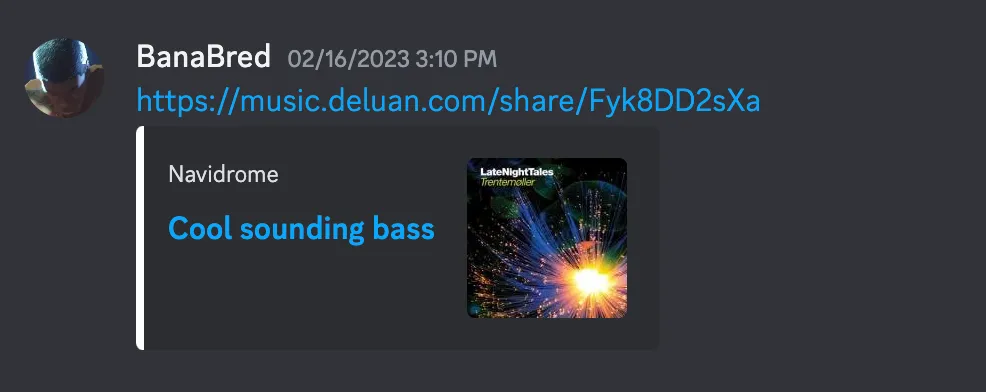
Meta-tags are added to the HTML to provide some information about the shared music on chat platforms. Example of a link shared in Discord:
Feedback
Was this page helpful?
Glad to hear it! Please tell us how we can make this documentation even better.
Sorry to hear that. Please tell us how we can improve this documentation.